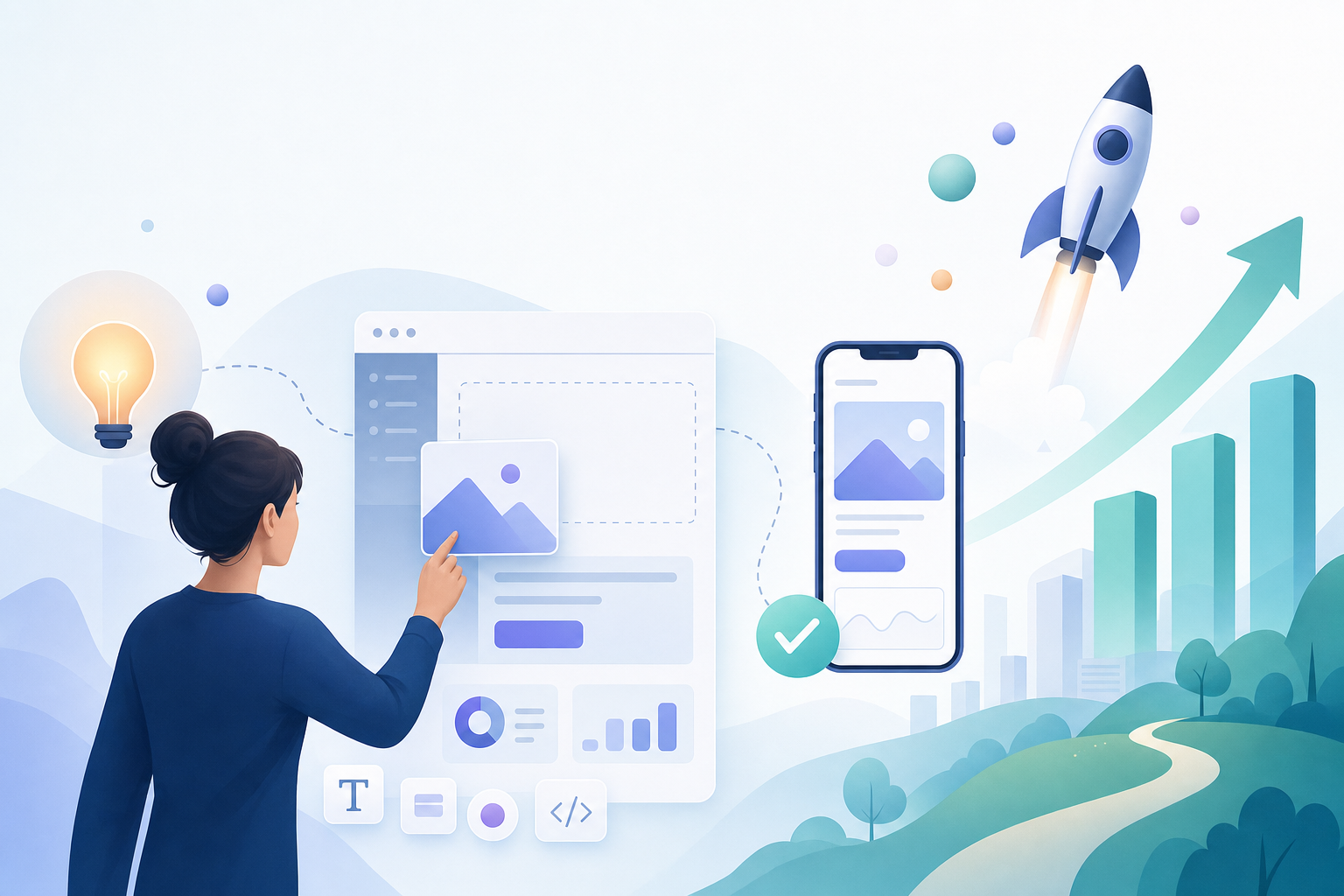
You don't have to be a developer to bring your business idea to life-no-code platforms make it possible to build real, interactive prototypes in days instead of months. Founders, product managers, and even non-technical dreamers are using tools like Webflow and Bubble.io to test concepts, gather feedback, and iterate quickly while skipping the costly engineering phase entirely. No-code development is the art of creating software without writing traditional code, using visual editors and drag-and-drop logic instead.
Speed matters. According to recent studies, no-code prototyping tools help teams build and launch MVPs up to 5x faster than traditional coding methods, with less upfront investment and dramatically reduced technical risk. Prototyping is no longer a bottleneck-it's a turbo boost for learning what works and what doesn't before sinking time and money into full-scale development .
What Is Rapid Prototyping With No-Code?
Rapid prototyping with no-code is the process of quickly creating functional, interactive versions of your product idea using platforms that require zero coding skills. Instead of static wireframes, you can build clickable web apps or mobile apps, set up databases, and even integrate third-party services in minutes. For example, Bubble.io lets you design workflows visually and launch a live prototype that users can actually test-no engineers needed .
Rather than relying on lengthy documentation or hand-wavy PowerPoint decks, founders can show-not just tell-what their product will do. That means clearer communication with stakeholders, faster feedback cycles, and earlier validation of whether your idea really solves a problem AI No-Code Rapid Prototyping | Codeless ONE. Real users can click, interact, and critique-instead of just imagining what could be.
Visual editors, intuitive drag-and-drop interfaces, and pre-built components are the secret weapons behind no-code's speed. You might notice that with tools like Webflow, you can lay out entire e-commerce storefronts, add animations, and connect to payment processors without ever touching a single line of JavaScript or CSS. Bubble.io, on the other hand, lets you model complex logic and create working databases as easily as drawing a flowchart.
Here's how the rapid prototyping process looks using no-code:
- Define your requirements. Start by writing down your must-have features, user stories, and any critical integrations. Platforms like Codeless ONE now let you describe requirements in plain English and generate initial prototypes instantly with AI assistance AI No-Code Rapid Prototyping.
- Build interactive prototypes. Use drag-and-drop UI builders to create pages, link elements, and set up workflows. In Bubble.io, you can simulate various user roles and permissions just by ticking boxes and connecting logic blocks.
- Connect data sources. Most no-code platforms offer database tools or plug-ins to connect with Google Sheets, Airtable, or in-app tables. This means your prototype isn't just a pretty face-it can capture real user data.
- Test with real users. Share your live prototype link with stakeholders, early adopters, or potential customers. Collect feedback in real time and tweak flows instantly instead of waiting for a new development sprint.
- Iterate rapidly. Make changes based on feedback, adjust features, and refine your value proposition-all within the same tool, without technical bottlenecks.
Step-by-Step: Using No-Code for Prototyping and Validation
- Clarify Your Idea and User Flow
Map out your core user journey. What is the problem you're solving? Who is your user? Sketch a simple flow on paper or use a digital whiteboard. Most founders skip this step and end up building features nobody wants. Be ruthless about your "must-haves" versus "nice-to-haves."
- Choose the Right No-Code Tool
Not all no-code platforms are created equal. Webflow is ideal for marketing sites and e-commerce MVPs. Bubble.io excels at web apps with heavy logic. Glide and Adalo are popular for mobile apps. Tools like Softr and Codeless ONE can turn spreadsheets into interactive prototypes almost instantly. Pick the tool that fits your product’s complexity and your learning curve .
- Build Your First Prototype
Use the platform's drag-and-drop editor to create your main screens. Add navigation, forms, and core logic. Don’t aim for pixel-perfection-focus on demonstrating your core value quickly. Webflow and Bubble.io both offer extensive template libraries that can save you hours at this stage.
- Connect Data and Simulate Workflows
Set up a simple database or use built-in integrations to make your prototype interactive. This could mean capturing sign-ups, simulating order flows, or collecting feedback. Codeless ONE’s AI assistant can even build sample workflows based on your written requirements AI No-Code Rapid Prototyping | Codeless ONE.
- Share and Collect Feedback
Publish your prototype and send the link to stakeholders, potential users, or your mentor group. Use built-in analytics or add simple survey forms to gather actionable feedback. Iterate based on what you learn.
- Validate Demand
Go beyond "does this look good?" Ask if users would pay for it, pre-order, or invest time. Use your prototype to run landing page tests, gauge sign-up intent, or collect payment pledges. Real validation happens when people take action-not just when they say, "Nice job."
- Iterate, Polish, and Repeat
Refine features, fix pain points, and improve usability. Each cycle should get you closer to product-market fit or reveal that you need to pivot. No-code makes this loop fast and cheap compared to traditional dev cycles How to Validate Your Startup Idea Without Writing Code.
Best Practices for No-Code Prototyping
- Keep it simple. Early prototypes should focus on core value, not every possible feature.
- Use templates. Starting with a template speeds up your work and ensures best UI practices.
- Test with outsiders. Family and friends are kind, but real users will show you what’s broken.
- Track feedback. Use Google Forms, Typeform, or built-in feedback modules to organize input for the next iteration.
- Don’t over-invest in polish. A good prototype is about learning, not perfection. If you’re spending a week on button colors, you’re missing the point.
No-code platforms are incredible for rapid iteration, but they’re not perfect for every scenario. Sometimes, limitations on customization, performance, or integration with obscure APIs can hold you back as your idea matures. Some founders outgrow their no-code tools and end up rebuilding in code later-so use these platforms for learning, not for permanent infrastructure.
Still, hundreds of successful startups have launched and validated using no-code before moving to custom development. Webflow, for instance, has helped early-stage founders launch e-commerce MVPs and test demand before a line of code is written . The real value is in speed and learning-not in building something that lasts forever.
No-Code Prototyping in the Real World: Examples and Inspiration
A SaaS founder built a working web app in just four days using Bubble.io and validated the concept with real user feedback before spending a dime on engineers Rapid Prototyping with No-Code. Another entrepreneur used Codeless ONE to quickly simulate business workflows for multiple user roles, skipping endless requirement docs and jumping straight to stakeholder testing. You don’t have to imagine if it works-these stories show it does.
StartupShortcut users often report that building and sharing a live prototype helps them avoid costly missteps and build products people actually want. Drag, drop, and deploy-then ask users to show you what features matter most. That’s how you win in the validation game.
When to Move Beyond No-Code
Once you’ve validated your idea, learned what users want, and secured real demand, you might reach the ceiling of what no-code can do. Complex apps with unique backend logic or advanced integrations may need custom code for scalability and long-term growth. Think of no-code as your launch ramp, not necessarily the freeway for the whole journey.
Final Thoughts
Founders who embrace no-code prototyping iterate faster, fail cheaper, and validate smarter. These platforms break down technical barriers and let you focus on what matters: solving real problems and delivering value. If you’re serious about testing your startup idea, there’s no excuse to wait for a developer.
Ready to see if your idea is worth building? Take the Free Business Assessment Quiz