Why Figma is a Startup’s Secret Weapon for Fast Prototyping
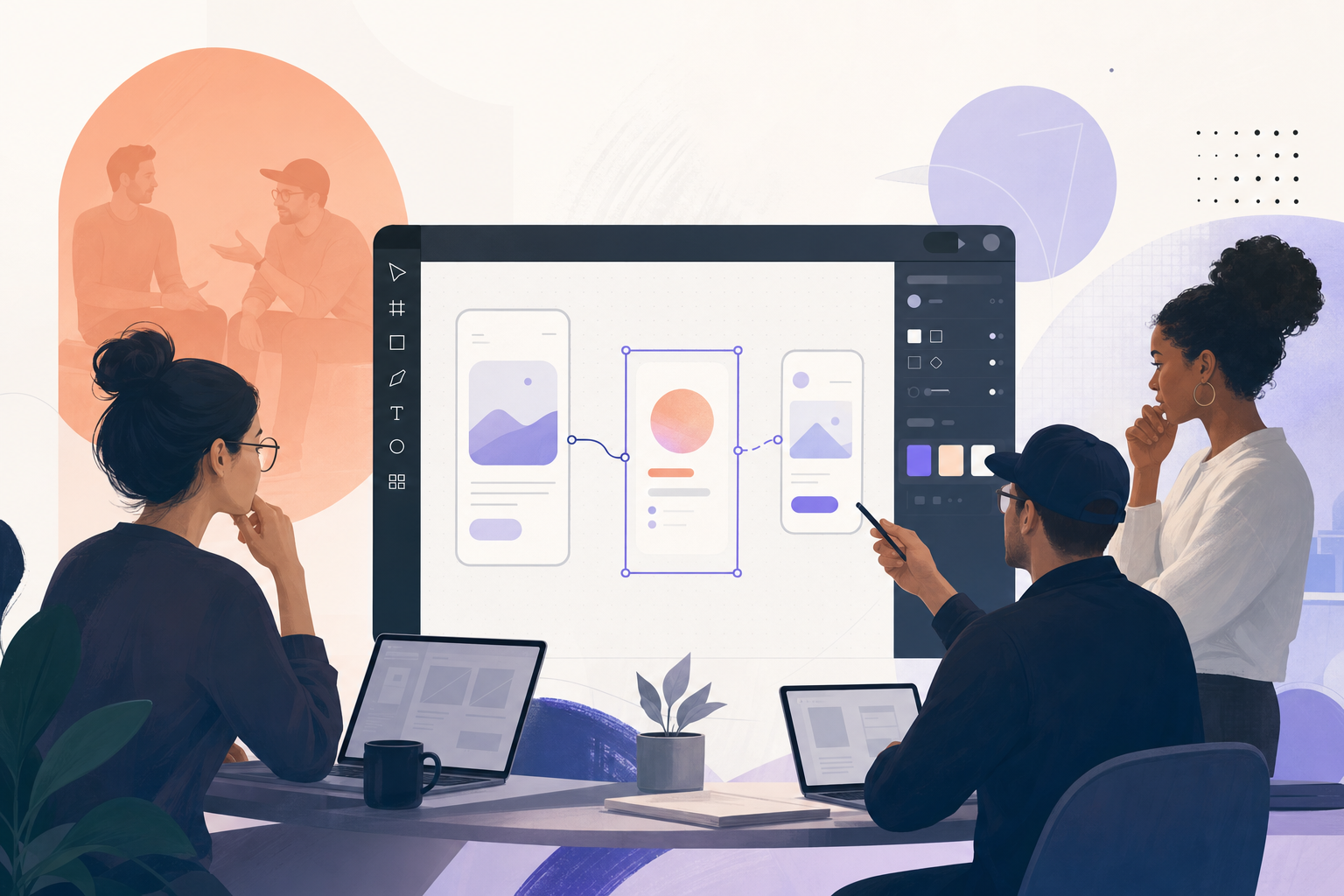
Startups need to move at the speed of their ideas, and Figma delivers this fast lane for design. With Figma, you can turn rough concepts into interactive prototypes in a single afternoon-sometimes in minutes, thanks to AI. No exporting, no back-and-forth between tools. Just pure momentum.
Rapid prototyping is a method where you quickly build clickable, testable models of your product to validate ideas, gather feedback, and reduce risk before writing a single line of production code. Figma’s browser-based workflow and collaborative features make it uniquely suited for startups eager to iterate and validate, not just theorize. The focus isn’t on perfection-it's about learning, fast, and showing your product thinking instead of just telling it. What is Rapid Prototyping?
How Figma Accelerates Early-Stage Product Development
Traditional design cycles drag their feet. Figma lets you skip the drama and test ideas right away. Here’s what actually changes for startups:
- Faster user feedback. Sharing interactive prototypes with real users or stakeholders is as easy as sending a link. Everyone can comment in real time, no installs required.
- Team alignment from day one. Designers, developers, and product managers stay on the same page by working in the same space. Misinterpretations disappear when everyone points at the same screens.
- Lower launch risk. By prototyping flows-like onboarding or checkout-you can uncover usability issues early, before they become expensive mistakes.
- Built-in version control. No more losing track of which screen is the latest. Figma’s history and branching features keep the chaos contained.
Sound familiar? That’s because the best teams, from Figma itself to Airbnb, obsess over fast feedback and continuous iteration. Figma’s Early Days
How to Go from Idea to Interactive Prototype in Figma
- Start with a simple wireframe. Open Figma. Drop in frames for your screens. Sketch out the key interactions-what the user sees first, what happens when they click.
- Use components for consistency. Figma’s components let you design buttons, cards, or navigation once, then reuse them. Change the master, and every instance updates. No more tedious pixel pushing.
- Make it interactive with prototyping links. Select elements and use Figma’s prototyping tab to set up navigation, transitions, and flows. You don’t need code to show how the product works.
- Test with real users or stakeholders. Click ‘Share’ and send the prototype link. Collect direct feedback via comments-no more abstract feedback, just hands-on reactions.
- Iterate fast. Tweak your designs based on what you learn. Figma’s live collaboration means changes appear instantly to everyone involved.
- For advanced speed, use AI-powered features. Tools like Figma Make let you describe your app in natural language, and the AI generates a working, interactive prototype with real navigation and logic-sometimes even front-end code. AI rapid prototype generator
Case Study: Figma Make and the AI-Powered Prototype Revolution
Picture this: you have a SaaS dashboard idea. Instead of painstakingly sketching each screen, you describe the user journey, data flows, and the look you want. Figma Make’s AI creates layouts, links screens, and even generates real interactions-all within Figma’s canvas. You iterate by chatting with the AI or dragging components around. This approach isn’t just faster-it fundamentally changes how you validate whether a product idea is viable. Pairing fast visual prototyping with comprehensive market research for startups ensures you are validating both the user experience and the underlying market demand simultaneously.
Real startups use Figma Make to:
- Prototype mobile apps with working authentication and data flows in less than an hour
- Test multiple onboarding flows with users before a single developer joins the project
- Export front-end code directly from the prototype for faster MVP launches
One founder described skipping weeks of backlog grooming by handing stakeholders a live prototype the same afternoon the idea was conceived. Design-driven prototyping with Figma Make
Prototyping Pitfalls and Contrarian Advice
It’s tempting to believe that more prototyping always leads to better outcomes. But here’s a contrarian truth: overinvesting in high-fidelity prototypes, especially in the earliest phases, can actually slow you down. Polished mockups seduce teams into thinking the product is “almost done,” distracting from the real purpose-learning from failure and feedback, not showing off polish.
Sometimes, a low-fidelity sketch with basic interactions reveals more than pixel-perfect details. Early Figma prototypes should feel disposable. If you’re not throwing away at least half your early screens, you’re probably not iterating aggressively enough.
Figma in Action: Real Startup War Stories
Early-stage companies like Loom and Notion used Figma to test navigation, collaboration, and onboarding flows long before their first launch. Figma’s own team famously obsessed over user data, tweaking their onboarding and feature sets based on actual prototype usage-not just gut feel. Figma’s Early Days
StartupShortcut customers often report that showing a clickable Figma prototype to early customers led to painful, but priceless, revelations about what users really need. One team discovered that their “brilliant” onboarding flow actually confused users-saving months of wasted engineering time.
Best Practices for Startup Teams
- Prototype user flows, not just screens. Figma lets you connect logic, not just layout. Focus on the journey.
- Share prototypes early and often. Don’t wait. Send out links for real feedback, not just design sign-off.
- Prioritize feedback over polish. Iterate based on what users do, not what you think they want.
- Use AI for speed, but review critically. AI-generated prototypes save time, but always sanity-check usability and logic.
- Keep everything in one place. Design, prototype, and iterate in the Figma canvas. Avoid tool sprawl.
Where Figma Fits in the Startup Product Journey
Figma isn’t just for design-it anchors the entire early-stage product cycle. Here’s how it plays at each stage:
- Concept validation: Sketch flows, share with users, and spot dead ends fast.
- Core UX testing: Build high-fidelity, clickable prototypes to mimic real experiences and gather actionable feedback.
- MVP planning: Developers use Figma files as source-of-truth for layout, components, and flows, sometimes exporting code directly.
- Continuous iteration: Post-launch, teams use Figma to test new features, refine onboarding, and keep the product evolving with the market. 6 Stages of the Product Development Process
Choosing the Right Prototype Fidelity
Low-fidelity prototypes are rough, quick models-think gray boxes and simple flows. Use these to validate broad concepts, spot major usability gaps, and align the team.
High-fidelity prototypes look and feel like the real thing, complete with color, branding, and micro-interactions. These are best for user testing, investor demos, or late-stage feature validation. Don’t jump to high-fidelity too early, or you’ll risk polishing the wrong solution.
Some teams still try to patch together InVision, Sketch, or Adobe XD. But Figma’s always-on, browser-first workflow means instant access for everyone, faster feedback cycles, and no more “what version is this?” headaches. The rise of Figma Make’s AI tools only widens the gap by automating the tedious parts of prototyping.
Unlike single-user design tools, Figma is built for multiplayer from the ground up. That’s why even big teams-think Uber, Slack, and Microsoft-standardize on Figma as a home base for their entire product cycle.
When to Switch from Figma Prototype to Real Product
Figma’s strength is in learning and iterating before code. But how do you know when it’s time to move from prototype to MVP?
- Users can complete key tasks smoothly in the prototype
- Your team agrees on the core flows and features
- You’ve tested with at least 5-10 real users and fixed major pain points
- Stakeholders sign off on both UX and user outcomes
Some startups obsess over endless prototype tweaks. Don’t fall into the trap-move to code when your prototype answers the big unknowns. Figma files serve as a living spec for devs, and with AI-generated code, you may even take your first steps toward production directly from your design canvas.
Final Thoughts: Prototyping is a Learning Engine
Figma’s real value isn’t just speed. It’s about creating a learning engine for your company. Fast feedback, shared context, and relentless iteration are the foundations of every great startup. If you’re still pitching static slides, you’re a step behind.
Ready to discover if your prototype-and your business idea-are on the right track? Take the Free Business Assessment Quiz.